Friday, March 31, 2006


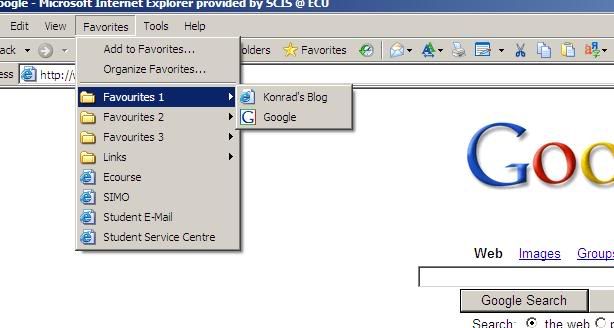
Bookmarks are used for saving your favourite Internet sites for visiting in the future.

The article, 'being digital' written by Nicholas Negroponte is about the pros and cons of bits and atoms.

Bit based information is stored electronically. Atom based information is stored physically in the form of a book, paper or report.

Atoms can take a long while to arrive if they are getting delivered and other problems can occur ie. things getting held up in customs. An atom based thing such as a book is easier to read when you physically have it, but there are other factors involved such as costs and delivery times., etc.

Bits are able to move through 'cyberspace' at the speed of light. Not all atom based items are able to sent as bits, these would include chinese food and other impossible to send physical items. A bit based book is able to be read easily online and will never go out of print, as it is readily available online. This is not entirely possible in the current situation, but in the future, this oppurtunity will become available to many people.

Bits and atoms can be easily confused, like the publisher of a book is 'bit based' or 'atom based?' The answer to this would be both, but as time progresses, the quality of a printed book will become outdated and it will become user-friendly to be bit based.

Friday, March 24, 2006


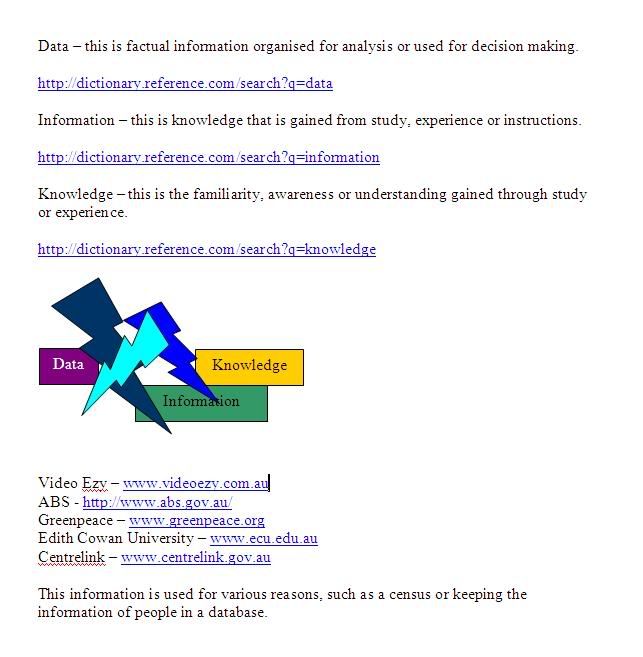
www.videoezy.com.au
http://www.abs.gov.au/
www.greenpeace.org
www.ecu.edu.au
www.centrelink.gov.au


In the first four weeks of this course, we have completed 2 modules in which we completed personal computing, office applications, presentation strategies and data, information & knowledge.

Personal computing introduced us to the hi-tech world of computing in which we setup an online blog, and set up an image hosting account.

Office applications was about using Microsoft Word & Excel and using various tools to create documents and tables.

Presentation strategies required us to create a PowerPoint and then research five ways in which to create a good presentation.

Data, information and knowledge was the final topic of the four week period in which we had to find definitions for the words; data, information & knowledge and finding five companies which collect information from their clients.

Friday, March 17, 2006

The lecture for 17/03 was about presentations and the Microsoft Office application, PowerPoint. We learnt that;
  • 10% of audience will remember what they see
  • 25% of audience will remember what they see and hear
  • 40% of audience will remember what they say see, hear and write
  • 60% of audience will remember what they experience interactively

Use the KISS principle - KEEP IT SIMPLE STUPID

The article "How To Give A Bad Talk" written by David Patterson is about oral presentation advice and things to think about when preparing an oral and what not to do when doing an oral.

5 ways to deliver a top-notch presentation are;
  • Practice your talk in front of others.
  • Make eye contact with people to keep interest.
  • Use a large font and colour for your PowerPoint presentation.
  • Make use of all your slides in your presentation.
  • Make your presentation neat and legible so people can read it.

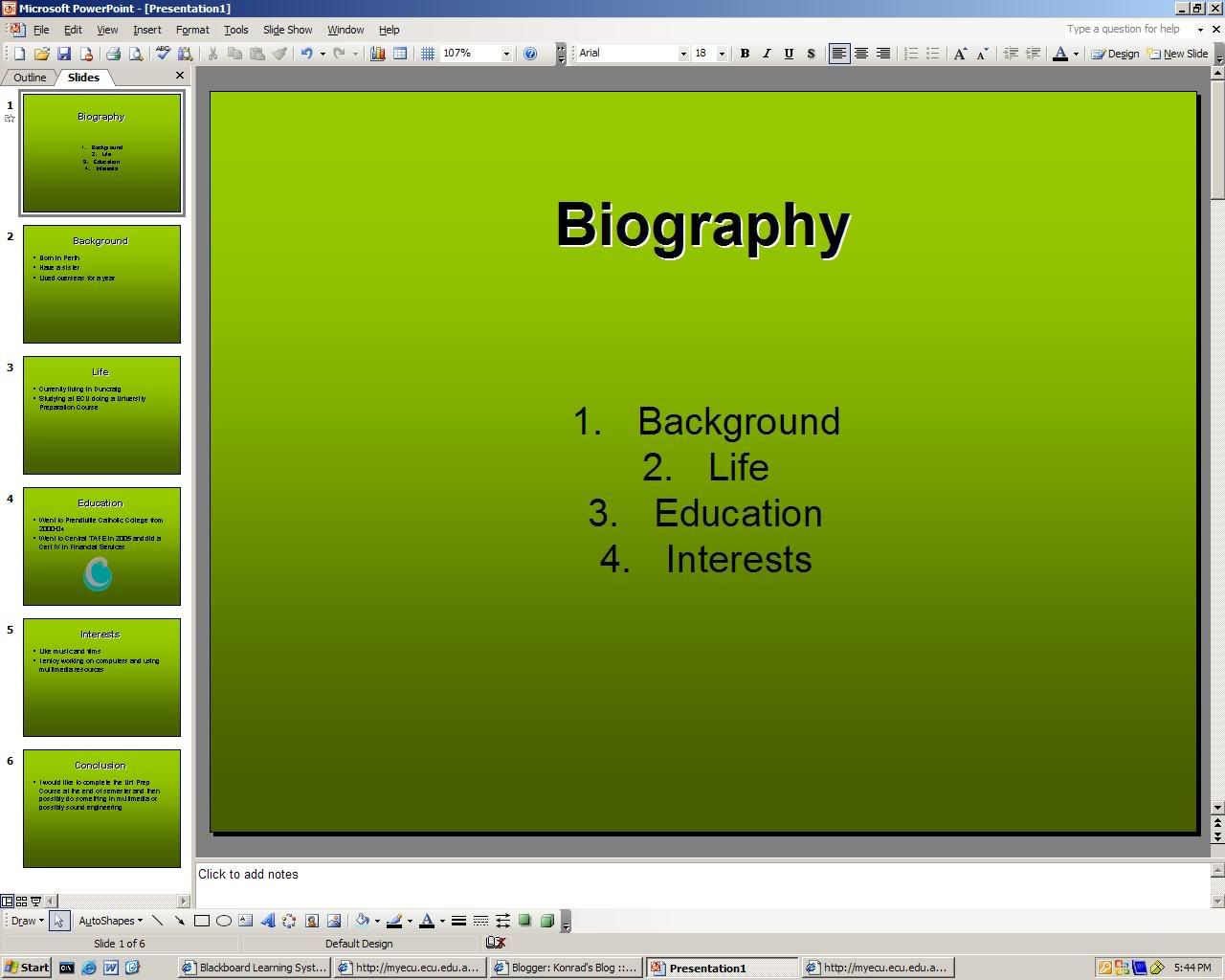
Today I created a PowerPoint presentation about my life. There is a screenshot of it in this entry.

Friday, March 10, 2006


For the lecture 10/03 there were various new elements introduced to us. These included applications such as;


  • Adobe acrobat reader
  • Microsoft word
  • Microsoft excel
  • Microsoft powerpoint
  • Internet explorer
  • Outlook/outlook explorer
  • Windows explorer

Two of these applications were made of use in the tutorial, being Microsoft Word & Excel.

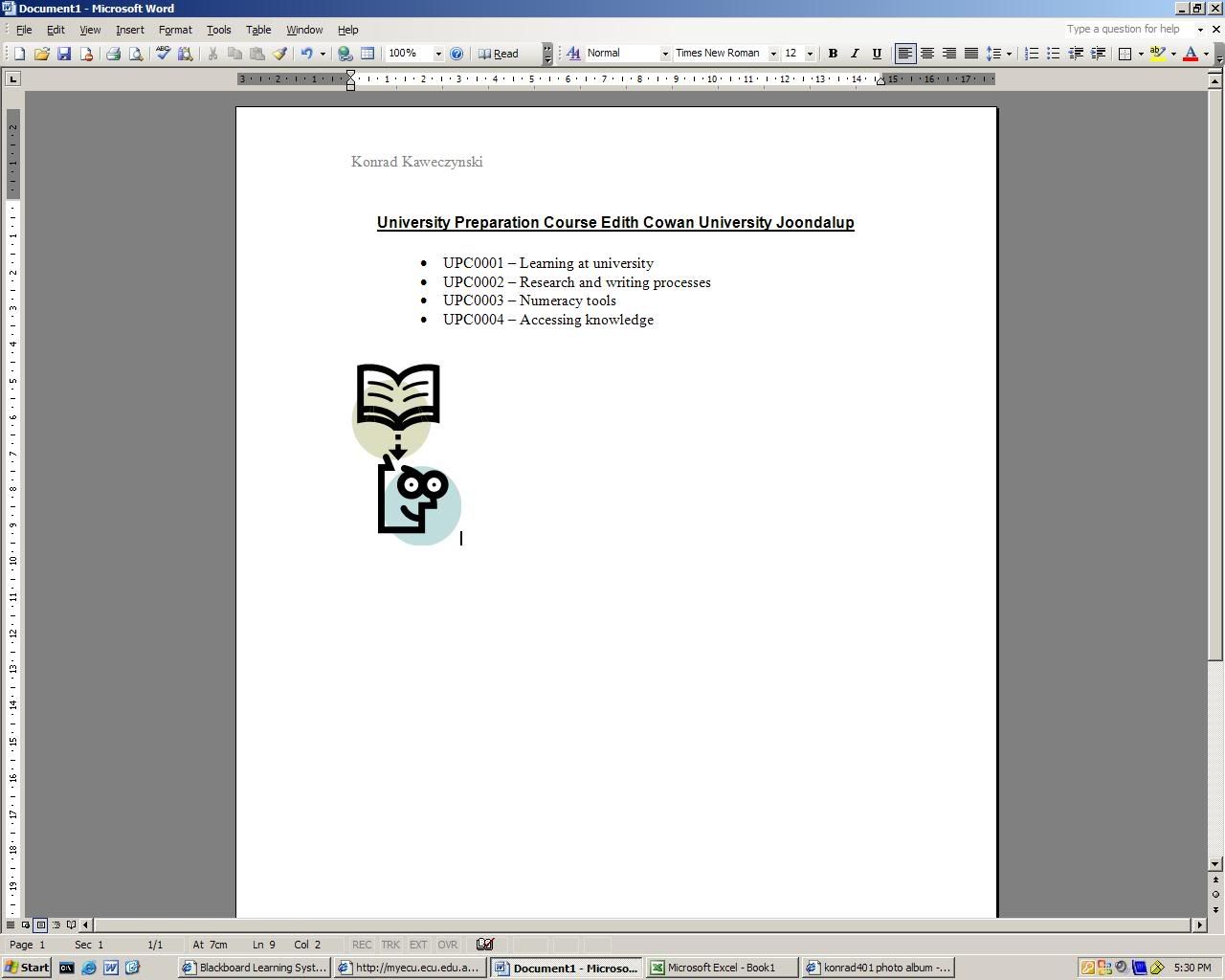
Microsoft Word required us to use it's different tools to create a document such as the one shown on the bottom picture.

Microsoft Excel required us to create a basic spreadsheet using it's different tools such as the one displayed in the top picture.

Once again, applications such as Internet explorer were used in order to blog and upload screen captures.

Friday, March 03, 2006


The lecture for the week ending 03/03 introduced us to basic computing in UPC0004 (Accessing and Organising Knowledge.) The tutorial involved:

  • Accessing blackboard through ECU.
  • Creation of a blog.
  • Using imageshack.us.
  • Capturing a screenshot of a given image.

This course comprises of six modules:

  • Using computers
  • Data information and knowledge
  • Information management
  • Research strategies
  • Social and ethical issues
  • Communications

In the lecture we were taught about the skills that we will acquire throughout our time in the course.