Saturday, May 27, 2006


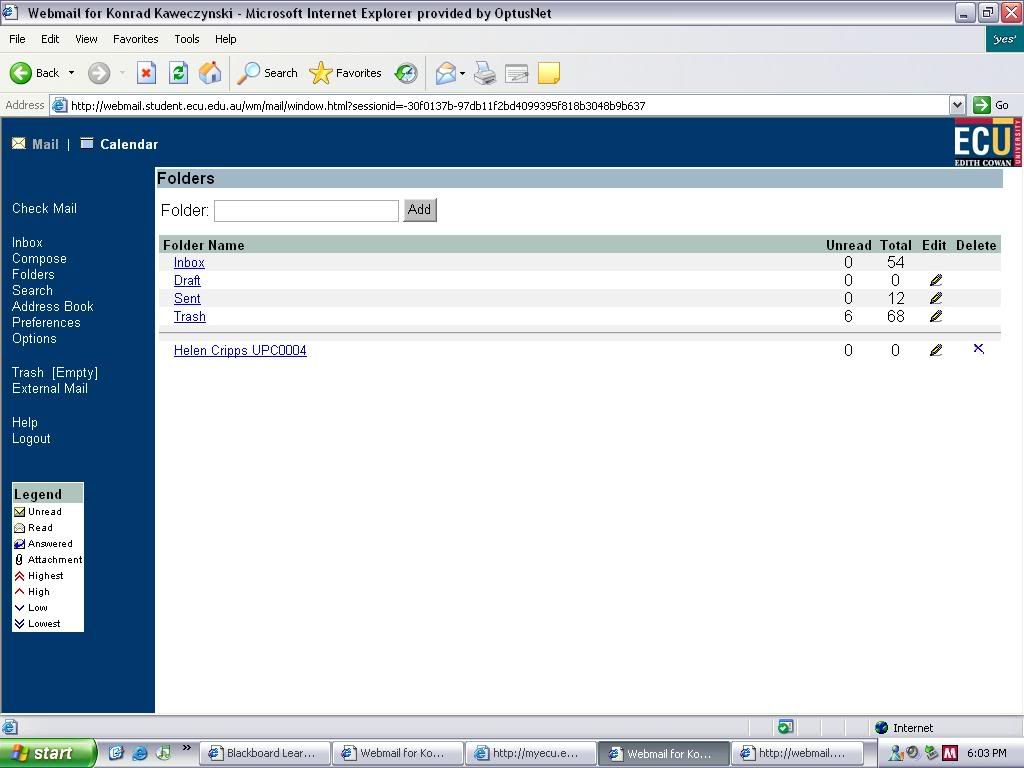
In the lecture for 26/05 we learnt about Communications in Information Communication Technology. Communication occurs in networks such as:
  • Chain network.
  • Circle network.
  • Wheel network and
  • All-channel network.

There are four main types of communication which can be categorised into a table. There is:

  1. Place dependent / Synchronous
  2. Place dependent / Asynchronous
  3. Place independent / Synchronous
  4. Place independent / Asynchronous

Some examples of communication include mobile telephones, laptops and e-mail. People use chatrooms, discussion boards and instant message clients to communicate with one another on computers.
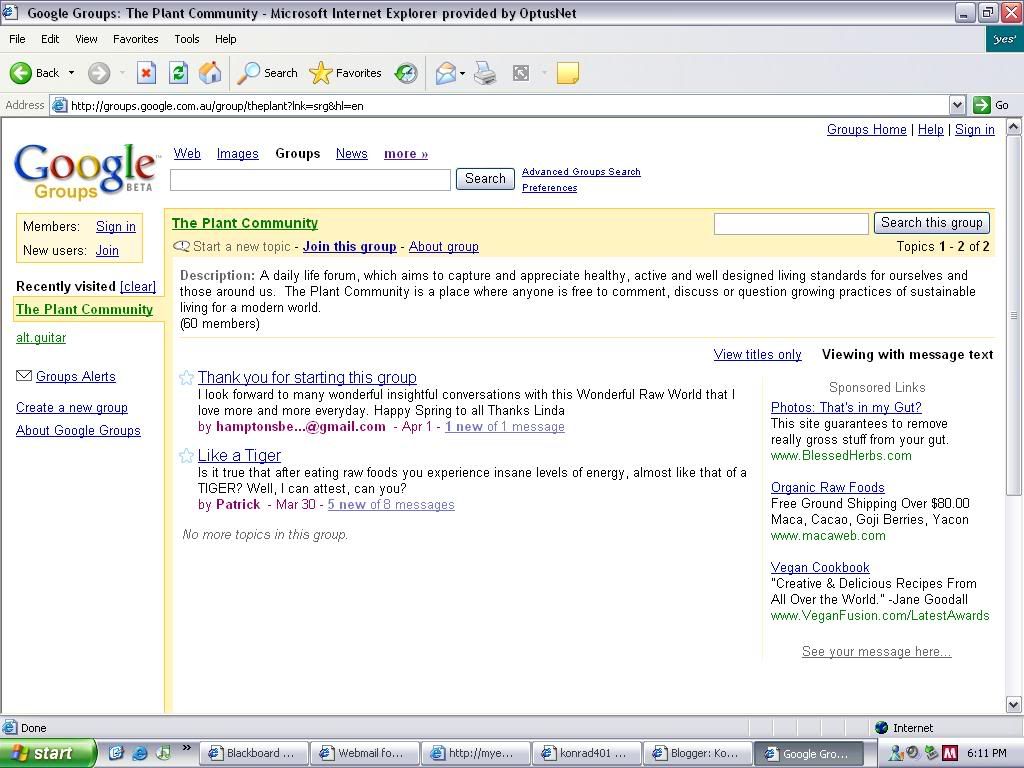
In Google Groups I entered the search term 'plant growing' and found about 5 main groups on this matter. I found that many people who had queries about growing certain plants came to these groups and asked questions which were answered by other users who knew something on the matter. It is just a discussion forum where people meet to discuss a similar topic.

Friday, May 19, 2006


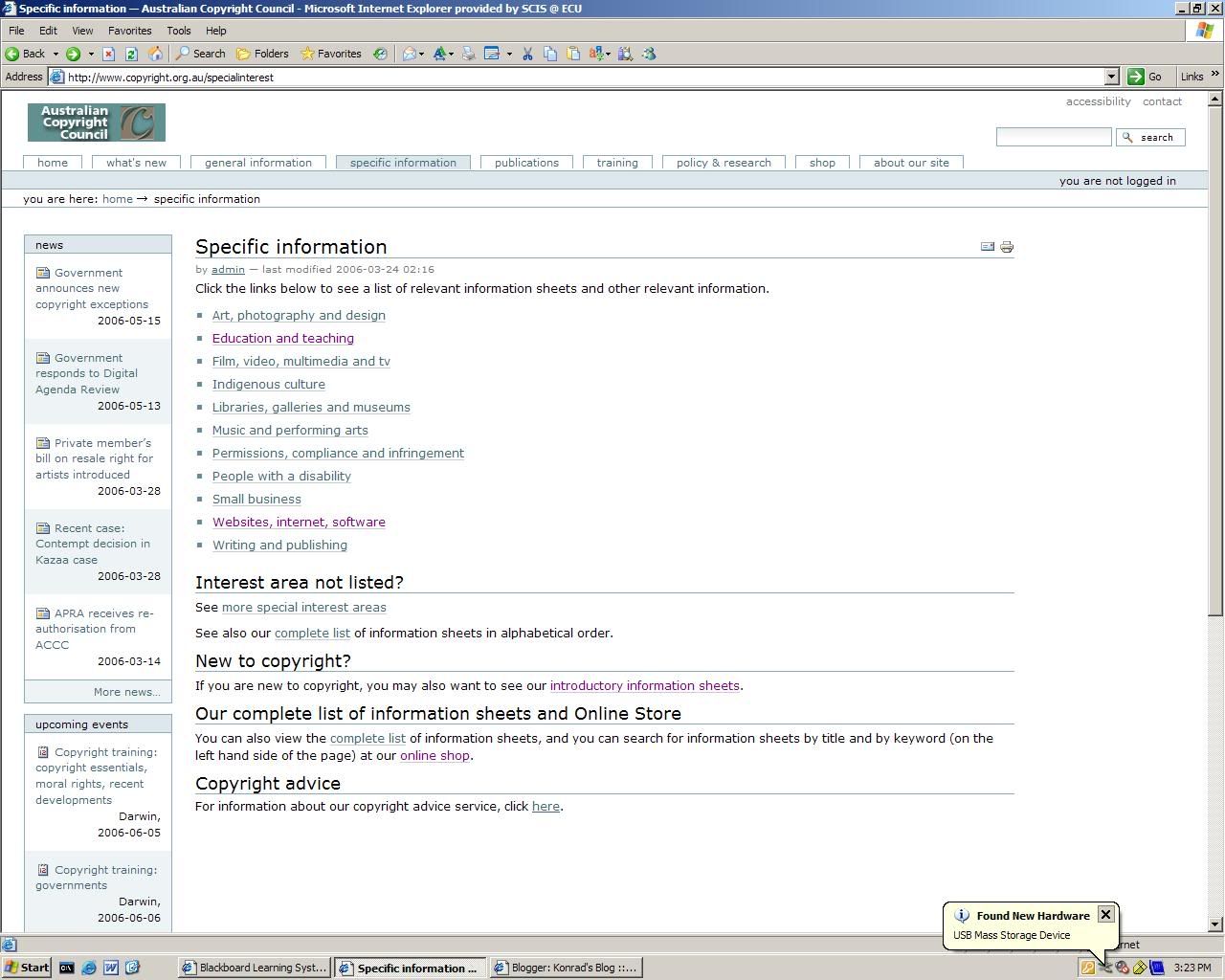
The Australian Copyright Council provides certain information sheets which would be useful to me in an undergraduate degree.

These include:
Broadband content
Computer software
Internet: copying and downloading
Websites

John Sankas was sentenced to almost four years in jail for violating criminal copyrigfhrt laws. He was known as the co-leader of the piracy group known as DrinkOrDie. The company's role was to acquire new software and distribute it illegally over the internet.

Virus prevention:
DON'T open e-mails or attachments from senders you don't know.
Scan all files when downloading.
Be aware of viruses that may potentially attack your computer.

Friday, May 12, 2006

These are 10 useful functions that may be used on the ECU library website.

1. Document retrieval.
2. Search engine.
3. Information for external or overseas students.
4. Provide feedback on the ECU library.
5. People to contact.
6. An online referencing guide.
7. The availability of EndNote V9.
8. News referring to ECU library.
9. Find key websites.
10. Login to the MetaQuest catalogue.


Anyone suffering from the disease or interested in taking a particular drug whether legal or illegal. It may also be used by students doing an educational assessment on medical information. Bad doctors wanting to find extra information on a condition or drug they are unsure about.

Friday, May 05, 2006


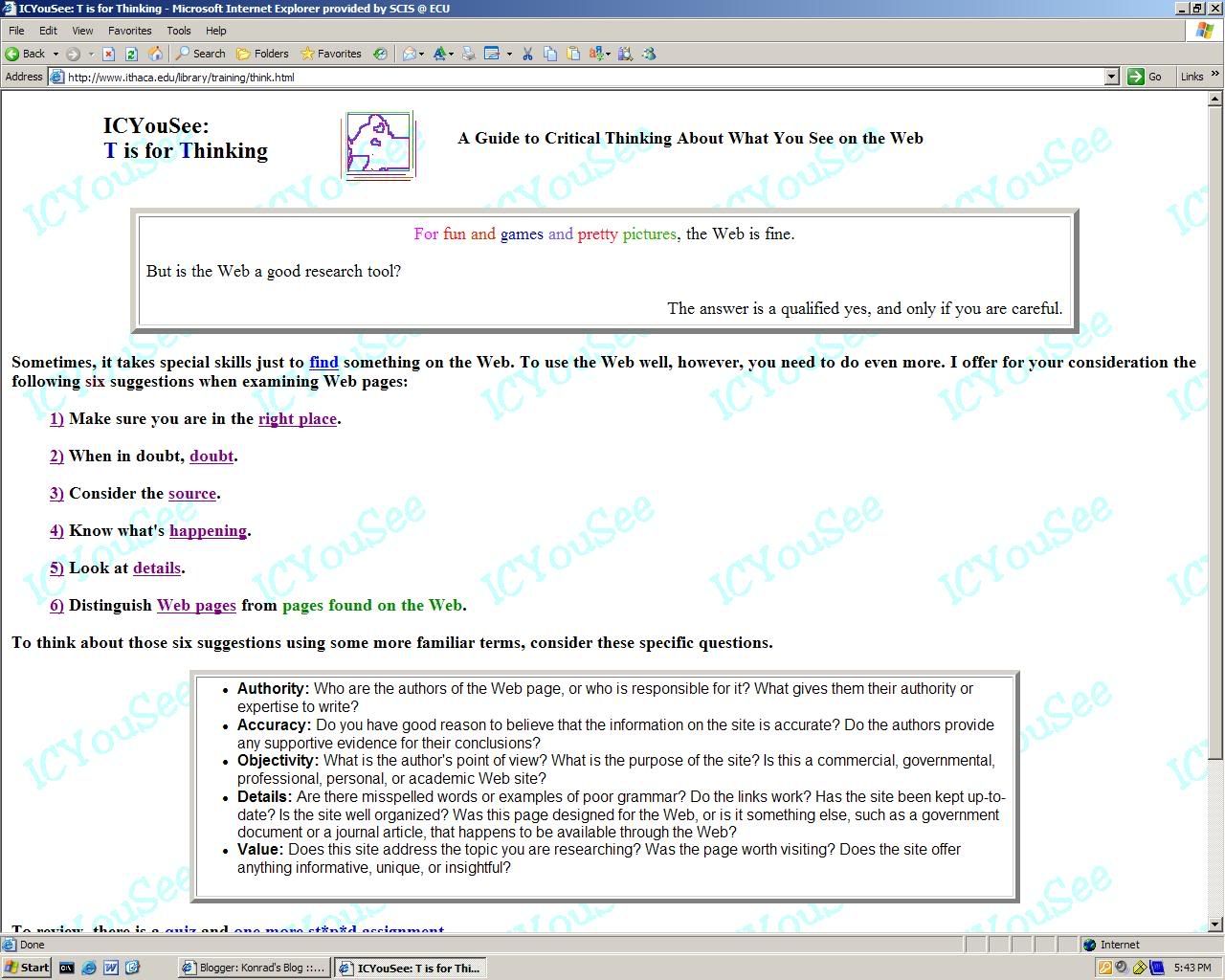
There are many different strategies in evaluating the information that can be found on the web. These are a few of them taken from http://www.ithaca.edu/library/training/think.html.

  1. Ensure that you are in the right place, and be searching in the right spots for your answers.
  2. When you are unsure of something then check the accuracy of the page.
  3. Consider the source in question. Find out the authority of the webpage and find out using your own intuition whether it is a good or bad source.
  4. Know what is happening on the webpage, find out whether the page is there to inform, persuade or sell you something.
  5. Look at the details of the webpage, such as good grammar and spelling. Look at the language and check whether it is casual or professional.
  6. Web pages are different from pages found on the web. Web pages are all the websites one would visit whereas pages on the web may refer to a specific page.

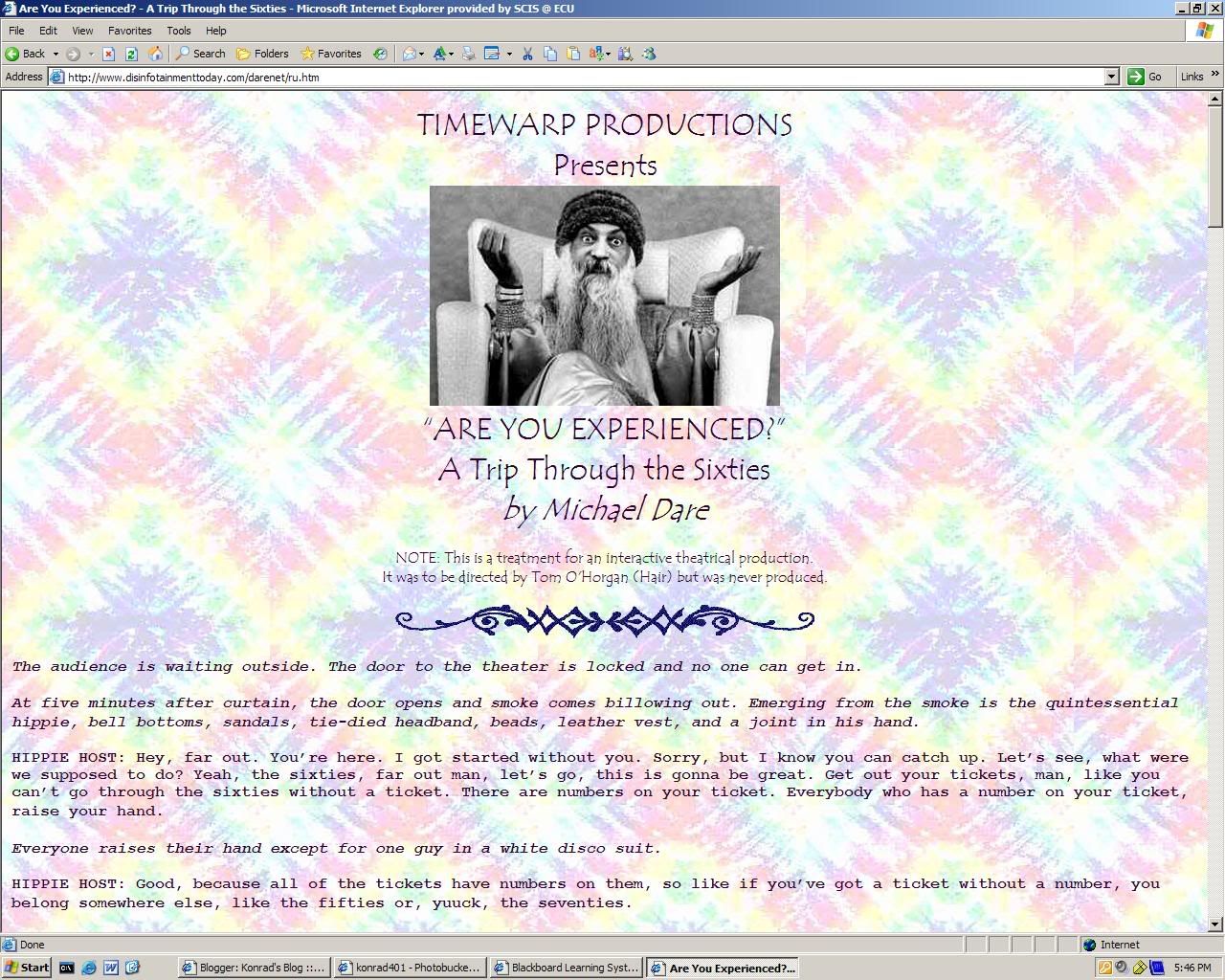
http://www.disinfotainmenttoday.com/darenet/ru.htm

This website is quite accurate as it provides facts that occurred each year throughout the decade of the 60s. An author is evident in the writing of this webpage. The purpose of this page is to inform the user of the 60s and some of the events that occurred during that time. This page has a very basic design, with a psychedelic background and lots of text. This site shows a conversation showing the language of the 60s which doesn't have a point, but the minor facts have some interesting information.

http://www.lib.virginia.edu/small/exhibits/sixties/index.html

This site provides alot of accurate from many events that shaped the 1960s. The authority of this page comes from the University of Virginia. The purpose of this site is to inform the user of the 1960s and the events that shaped that decade. This page's design is very basic and it is difficult to navigate around it. It provides some information, but overall it would not be useful to someone wanting to find out about the 60s.

Friday, April 28, 2006


4 Ways Of Making A Good Search

1. Know where to look first.
2. Be specific when choosing keywords in searching.
3. Take advantage of various search options.
4. Anticipate the answers.


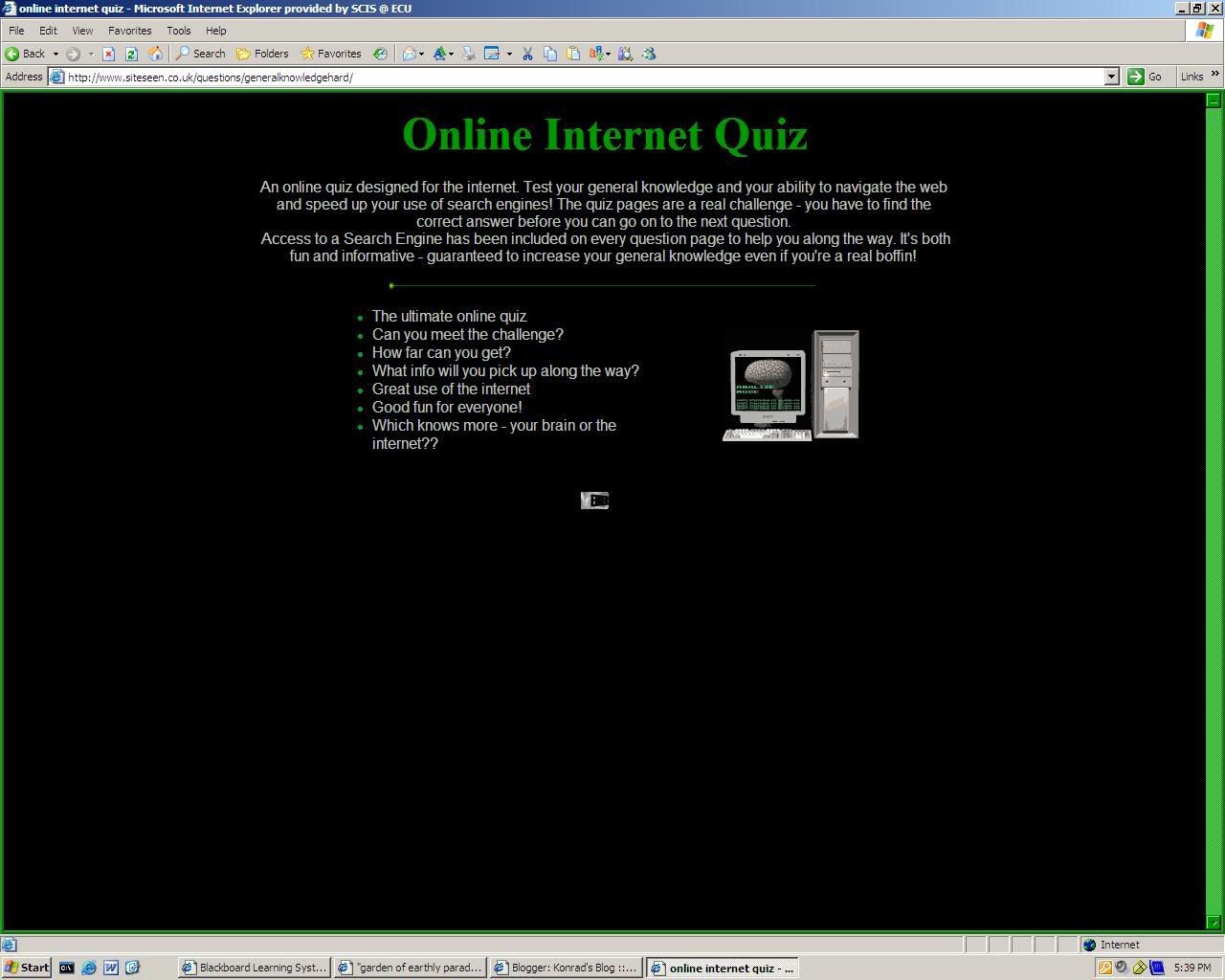
The following answers were derived from an online test done using the search engine to answer 20 questions.

http://www.siteseen.co.uk/questions/generalknowledgehard/

1. Inca
2. Violet
3. Birchard
4. Tennyson
5. Shells
6. Map
7. Puccini
8. Volcano
9. Basenji
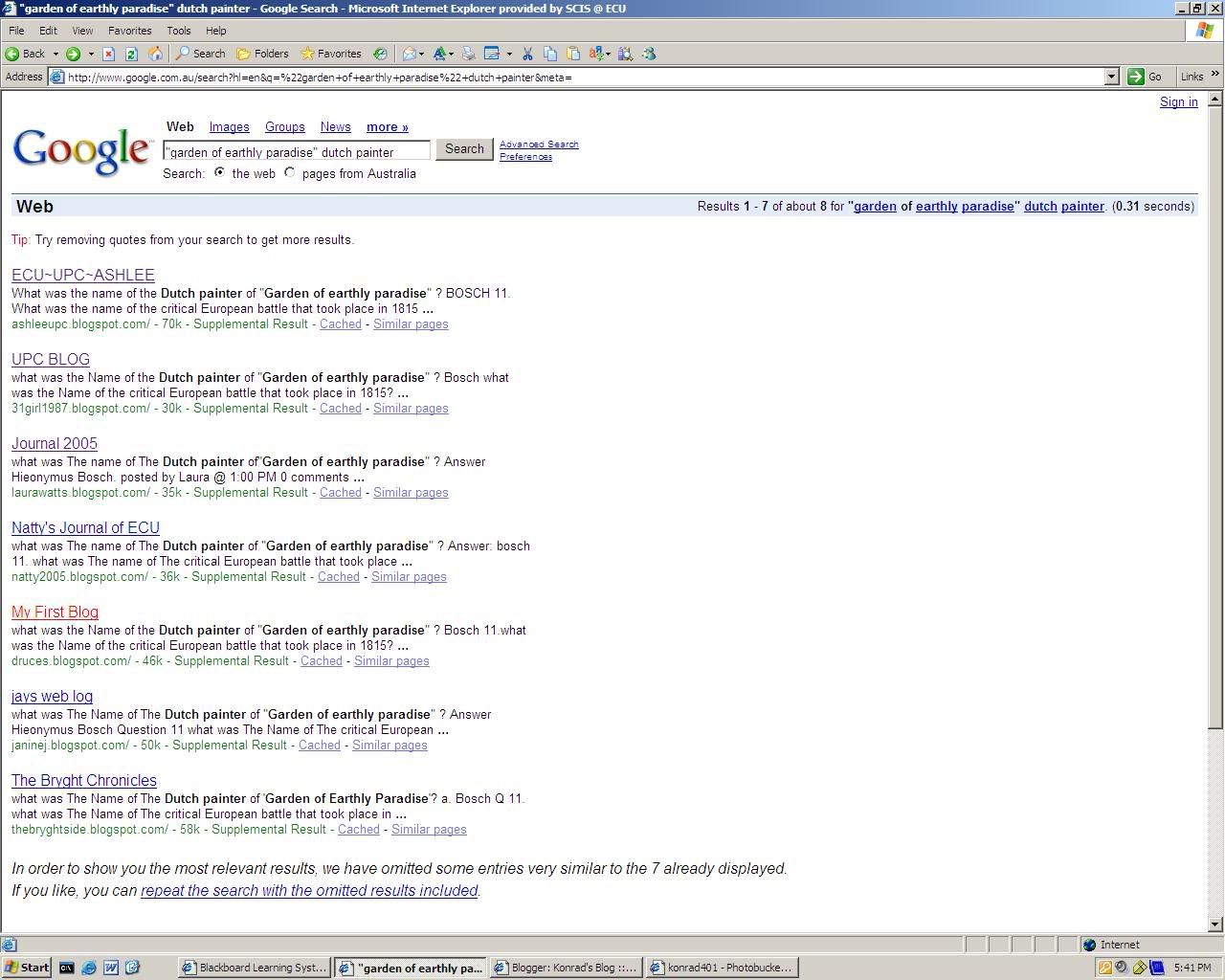
10. Bosch
11. Waterloo
12. Ants
13. Leo
14. Siam
15. Mushroom
16. Orangutan
17. Pluto
18. Benito
19. Lizard
20. Napoleon

In the past two weeks, we have learnt about the internet and the usefulness of search engines in research. Search engines will search anything the user can think of, with millions of results coming up for topics. Pages such as Google and Yahoo! have over 3 billion pages in their database. Using advanced features of a search engine one is able to narrow down what they are searching for, so that this search is more specific. This can include using; " " symbols for a phrase, Boolean search using +/- and being specific in what you search for.

The net and web are 2 absolutely different pieces of a computer, as the net is a physical connection made with modems, wires and the computer, and the web being an online connection made around the world with a huge amount of information catering for all people's needs.

Friday, April 07, 2006


Endnote is a referencing program used as a tool in assignments and anything needing a bibliography. It is most useful when there are 35 or more references.

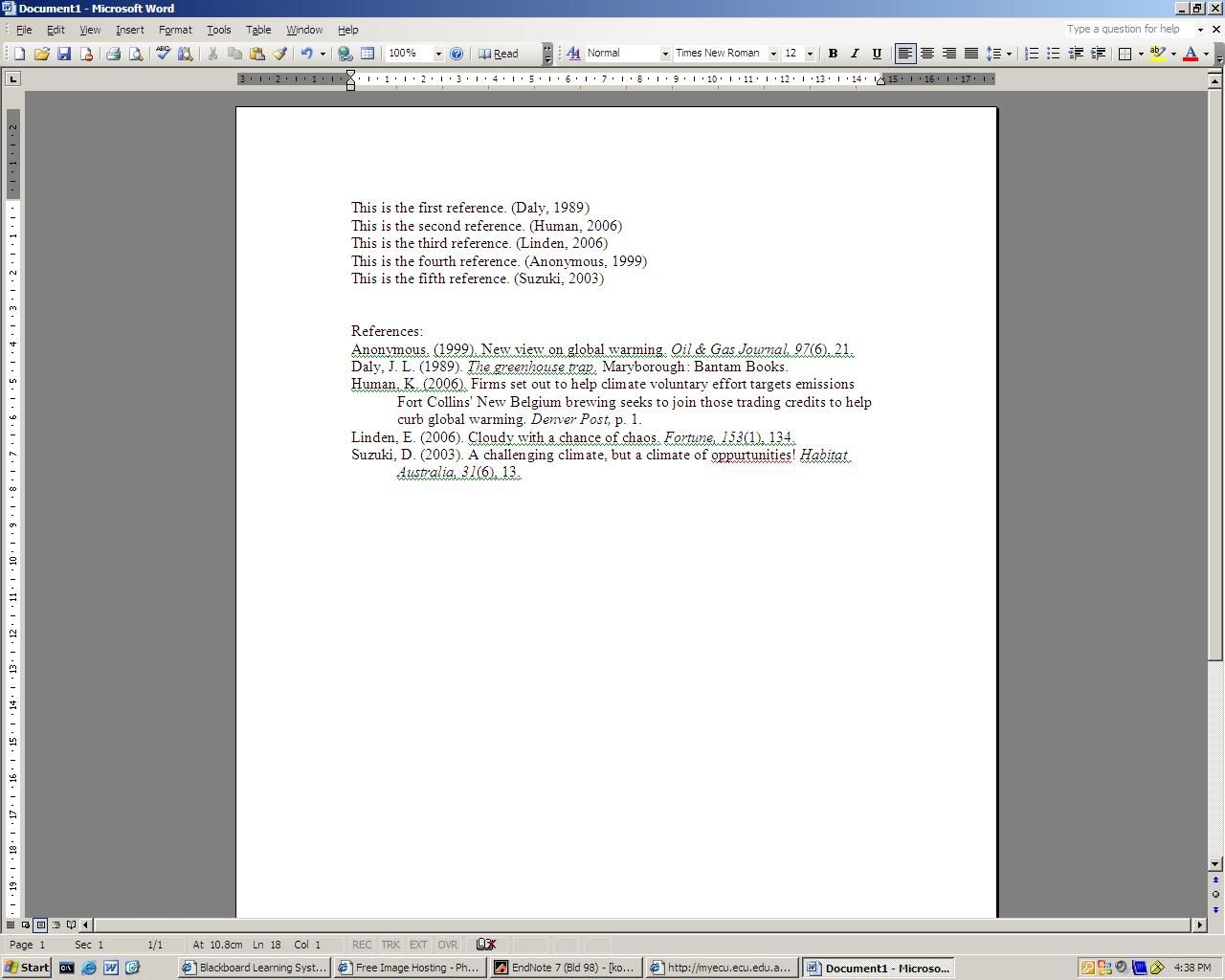
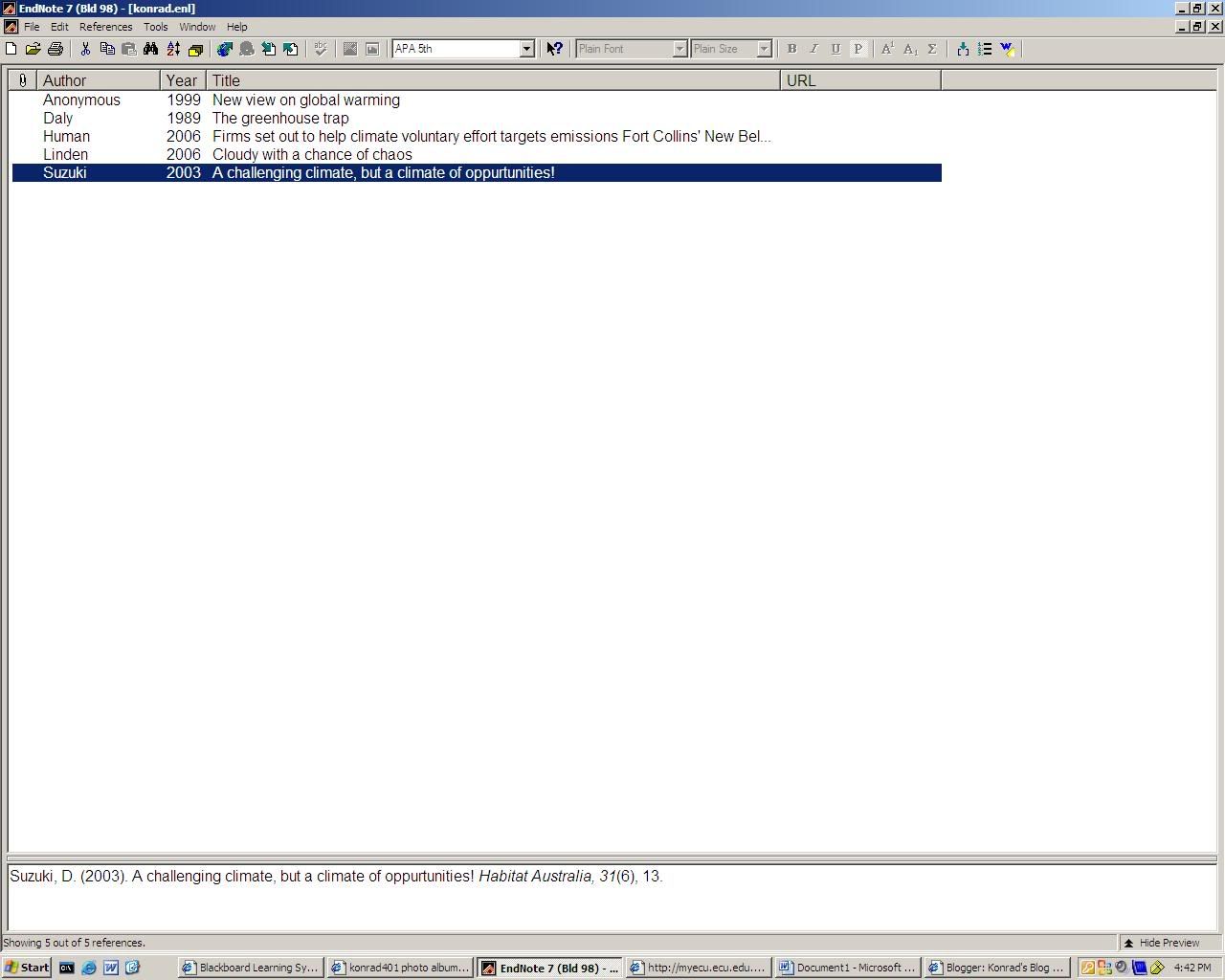
In today's tutorial we were introduced to Endnote and used it to create a bibliography of five references which are being used in our assignment for UPC0002 Research and Writing Processes.

In the lecture we were taught about the usefulness of Endnote and the different functions of it. There are different formats used for referencing for each different subject or university (ECU uses the APA 5th format) and Endnote takes care of all of these, there are about 45 000.

Endnote is also possible to be synchronised with Microsoft Word, especially useful when doing assignments. Endnote can also hold up to 15 000 references.

Friday, March 31, 2006


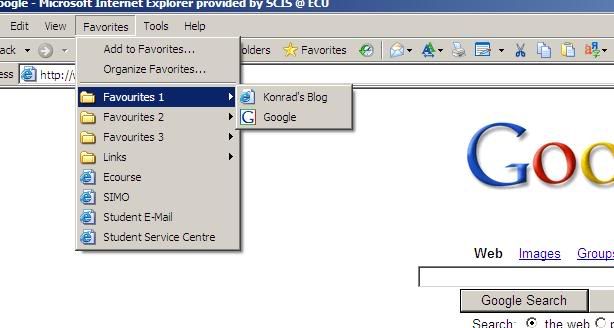
Bookmarks are used for saving your favourite Internet sites for visiting in the future.

The article, 'being digital' written by Nicholas Negroponte is about the pros and cons of bits and atoms.

Bit based information is stored electronically. Atom based information is stored physically in the form of a book, paper or report.

Atoms can take a long while to arrive if they are getting delivered and other problems can occur ie. things getting held up in customs. An atom based thing such as a book is easier to read when you physically have it, but there are other factors involved such as costs and delivery times., etc.

Bits are able to move through 'cyberspace' at the speed of light. Not all atom based items are able to sent as bits, these would include chinese food and other impossible to send physical items. A bit based book is able to be read easily online and will never go out of print, as it is readily available online. This is not entirely possible in the current situation, but in the future, this oppurtunity will become available to many people.

Bits and atoms can be easily confused, like the publisher of a book is 'bit based' or 'atom based?' The answer to this would be both, but as time progresses, the quality of a printed book will become outdated and it will become user-friendly to be bit based.

Friday, March 24, 2006


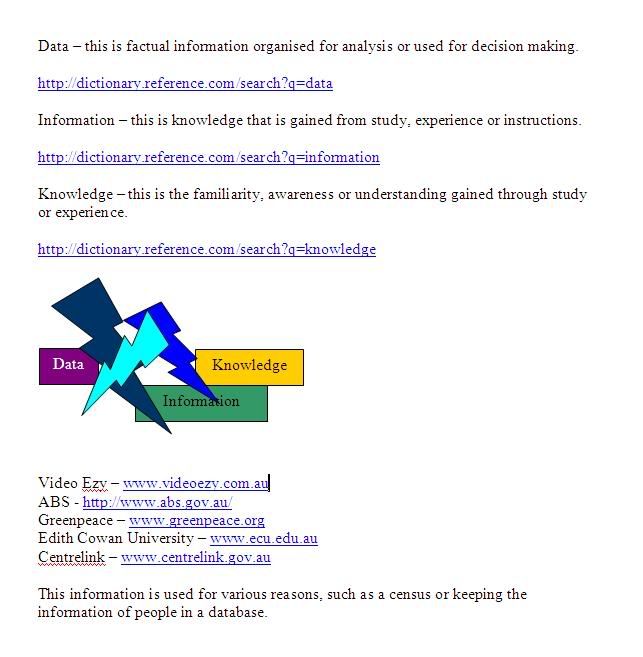
www.videoezy.com.au
http://www.abs.gov.au/
www.greenpeace.org
www.ecu.edu.au
www.centrelink.gov.au


In the first four weeks of this course, we have completed 2 modules in which we completed personal computing, office applications, presentation strategies and data, information & knowledge.

Personal computing introduced us to the hi-tech world of computing in which we setup an online blog, and set up an image hosting account.

Office applications was about using Microsoft Word & Excel and using various tools to create documents and tables.

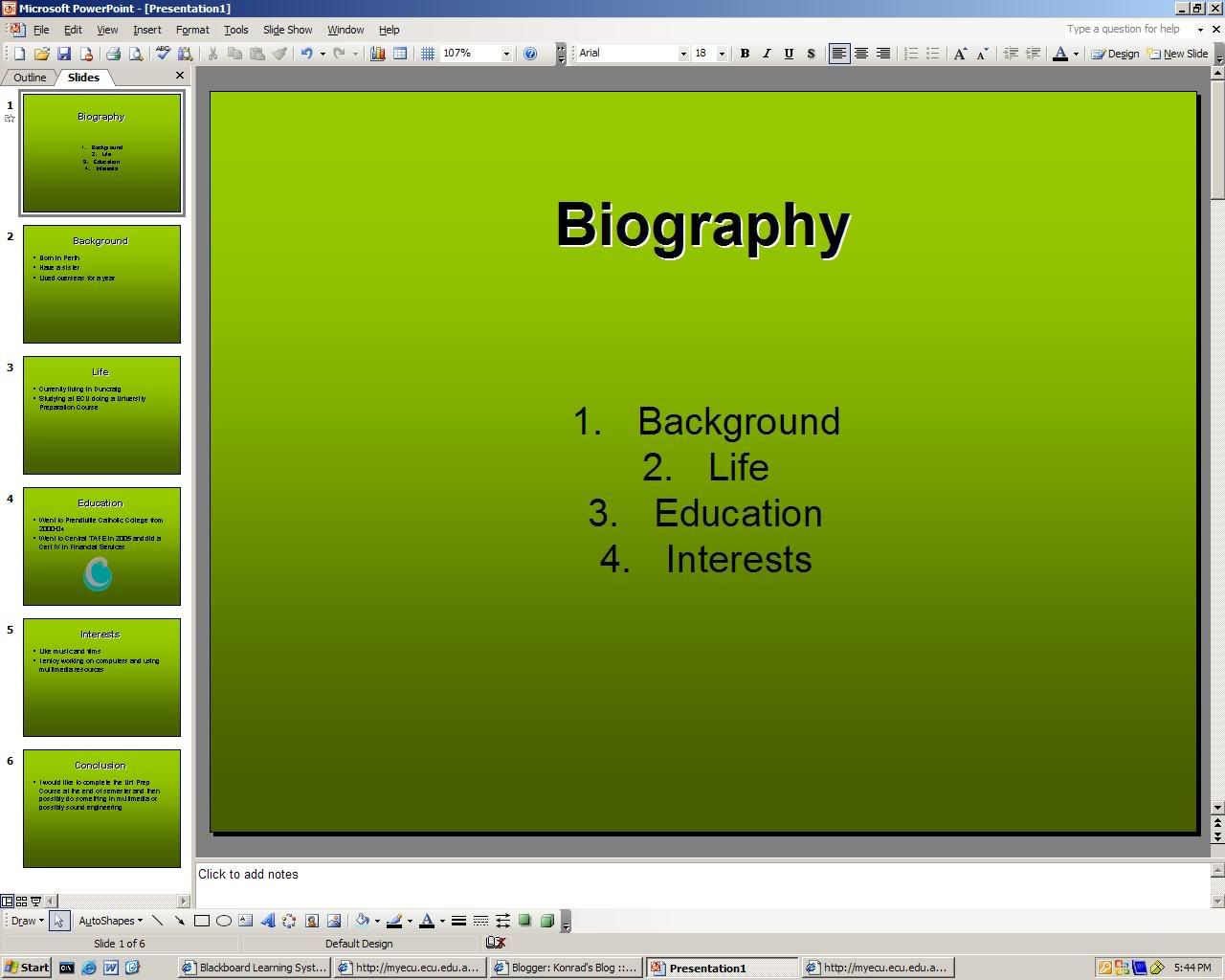
Presentation strategies required us to create a PowerPoint and then research five ways in which to create a good presentation.

Data, information and knowledge was the final topic of the four week period in which we had to find definitions for the words; data, information & knowledge and finding five companies which collect information from their clients.

Friday, March 17, 2006

The lecture for 17/03 was about presentations and the Microsoft Office application, PowerPoint. We learnt that;
  • 10% of audience will remember what they see
  • 25% of audience will remember what they see and hear
  • 40% of audience will remember what they say see, hear and write
  • 60% of audience will remember what they experience interactively

Use the KISS principle - KEEP IT SIMPLE STUPID

The article "How To Give A Bad Talk" written by David Patterson is about oral presentation advice and things to think about when preparing an oral and what not to do when doing an oral.

5 ways to deliver a top-notch presentation are;
  • Practice your talk in front of others.
  • Make eye contact with people to keep interest.
  • Use a large font and colour for your PowerPoint presentation.
  • Make use of all your slides in your presentation.
  • Make your presentation neat and legible so people can read it.

Today I created a PowerPoint presentation about my life. There is a screenshot of it in this entry.

Friday, March 10, 2006


For the lecture 10/03 there were various new elements introduced to us. These included applications such as;


  • Adobe acrobat reader
  • Microsoft word
  • Microsoft excel
  • Microsoft powerpoint
  • Internet explorer
  • Outlook/outlook explorer
  • Windows explorer

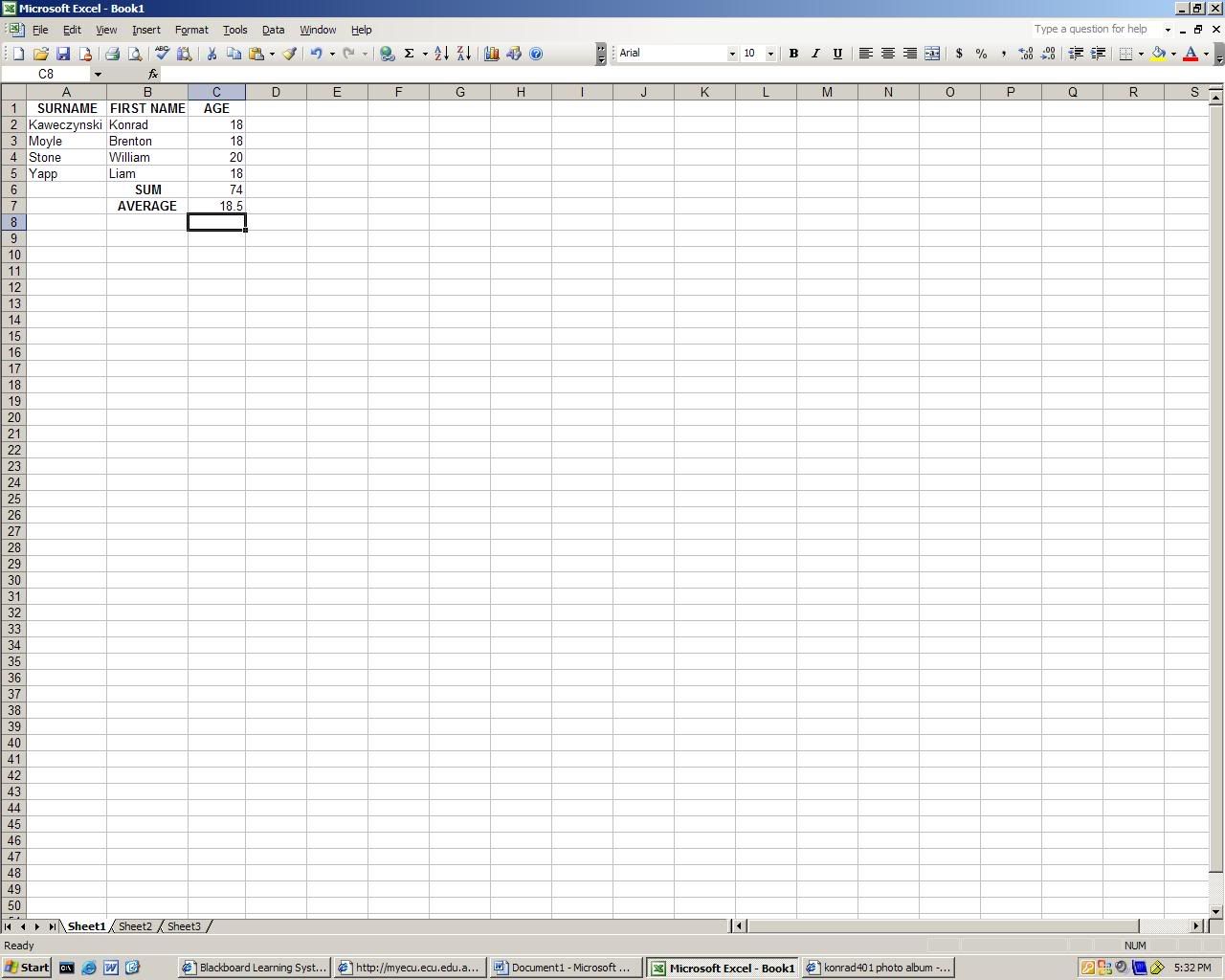
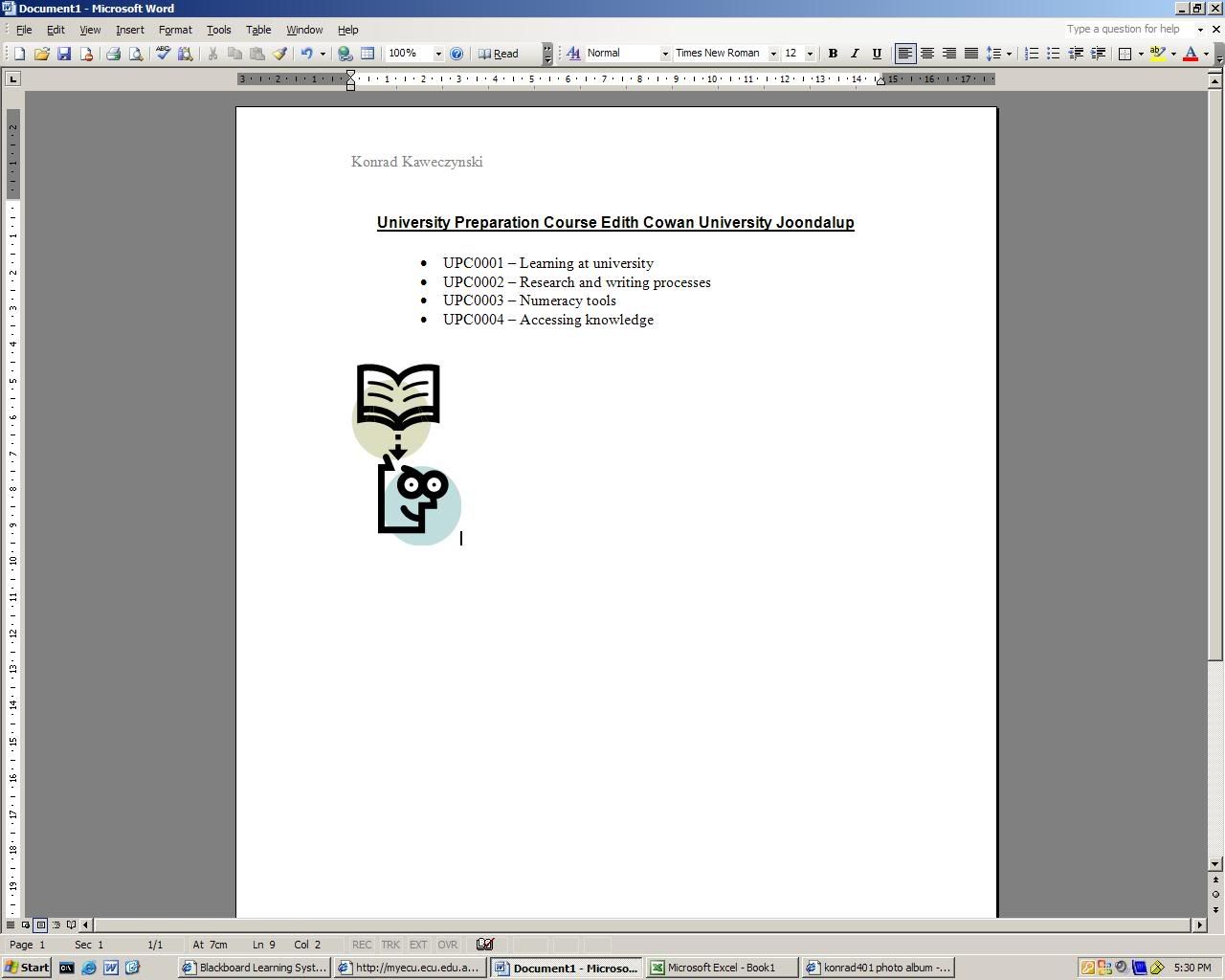
Two of these applications were made of use in the tutorial, being Microsoft Word & Excel.

Microsoft Word required us to use it's different tools to create a document such as the one shown on the bottom picture.

Microsoft Excel required us to create a basic spreadsheet using it's different tools such as the one displayed in the top picture.

Once again, applications such as Internet explorer were used in order to blog and upload screen captures.

Friday, March 03, 2006


The lecture for the week ending 03/03 introduced us to basic computing in UPC0004 (Accessing and Organising Knowledge.) The tutorial involved:

  • Accessing blackboard through ECU.
  • Creation of a blog.
  • Using imageshack.us.
  • Capturing a screenshot of a given image.

This course comprises of six modules:

  • Using computers
  • Data information and knowledge
  • Information management
  • Research strategies
  • Social and ethical issues
  • Communications

In the lecture we were taught about the skills that we will acquire throughout our time in the course.